Staff identity
A staff member authenticates using an assigned badge or approved sign-in method.

Visible, accountable rounding
CareScan is a rounding accountability and compliance-documentation system built around CareScan scanners, physical checkpoints, and a facility portal for leadership oversight.
Reader ready. Hold a staff badge near the scanner to begin rounds.
Reader ready. Hold a room tag near the scanner.
What is CareScan?
Paper logs can be difficult to verify and slow to review. CareScan gives staff a brief, guided workflow at each physical checkpoint and gives authorized leaders a clear record of what was entered, when, where, by whom, and what follow-up remains. That structured history can support internal compliance review, survey preparation, and investigation response.
How the system works
A staff member authenticates using an assigned badge or approved sign-in method.
The CareScan scanner reads the checkpoint and confirms presence at the assigned location.
The staff member selects the applicable outcome or reports an exception. The entry is saved locally before success is shown.
Recorded work can continue during an interruption and synchronize when service returns.
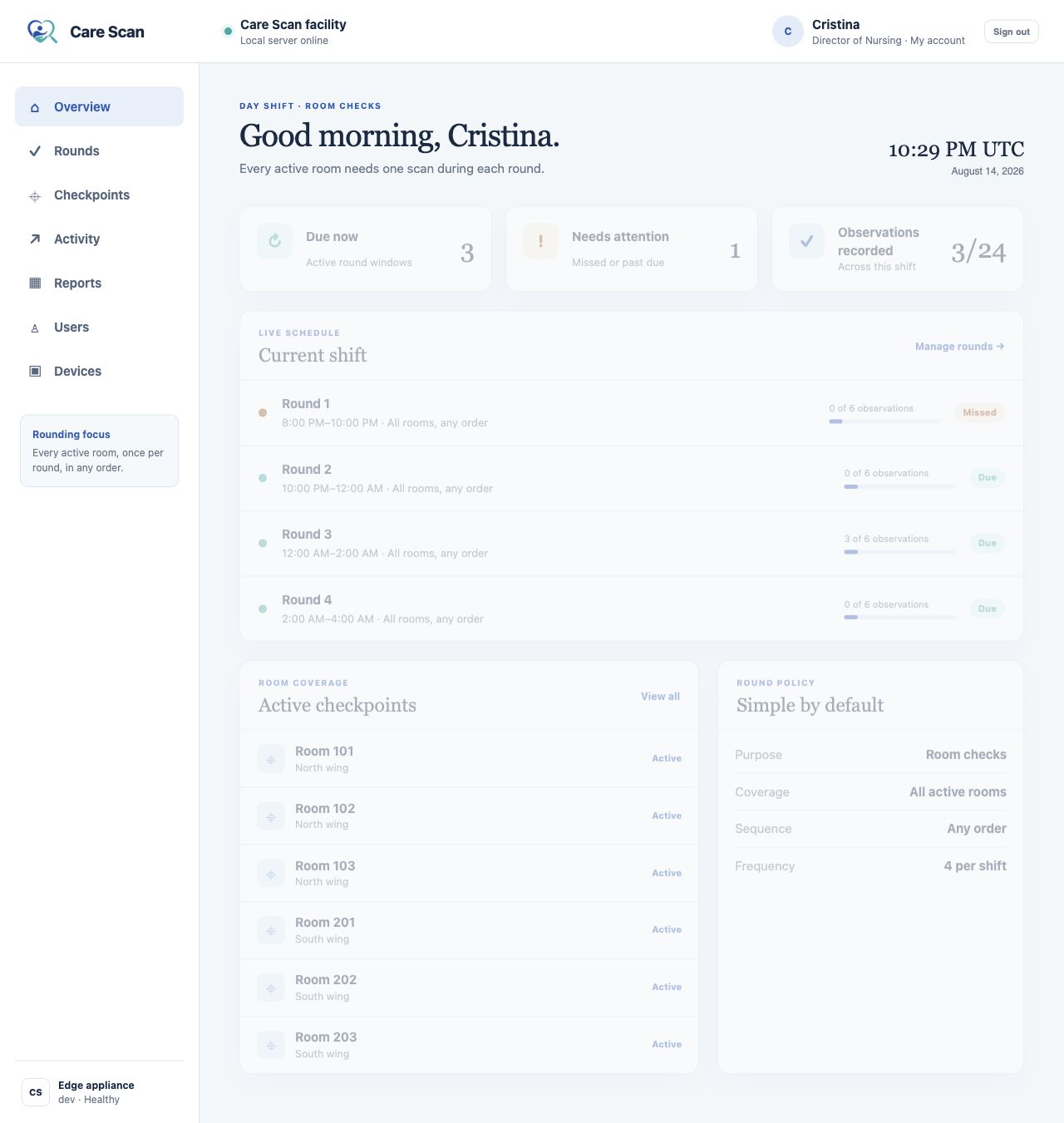
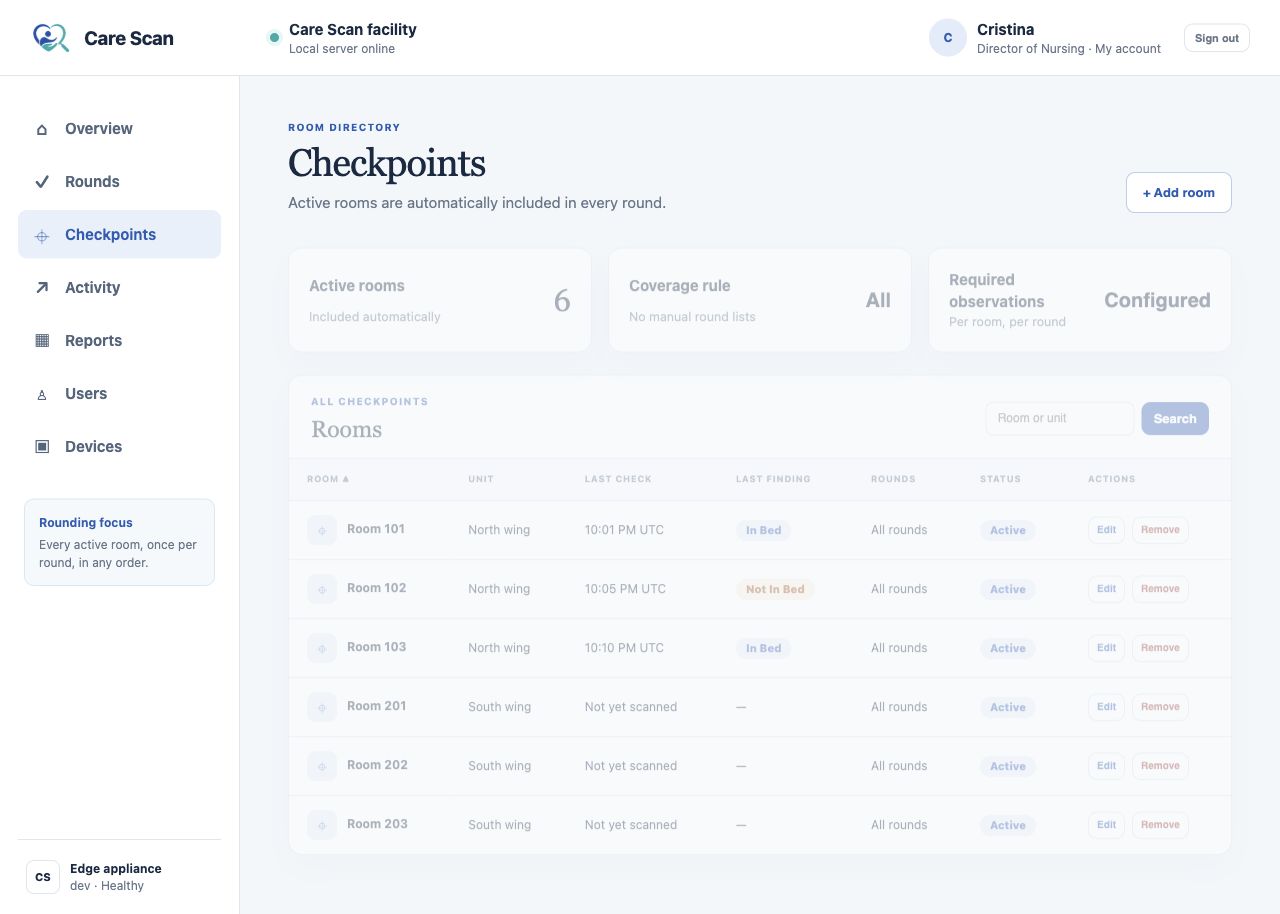
Authorized supervisors review due work, exceptions, activity, and reports in the facility portal.
CareScan scanners
Staff carry a CareScan scanner through the round, scan each physical checkpoint, choose the structured outcome that applies, and receive a clear saved or pending status.
Choose the status observed at this checkpoint.
Scan the next room.
Facility visibility
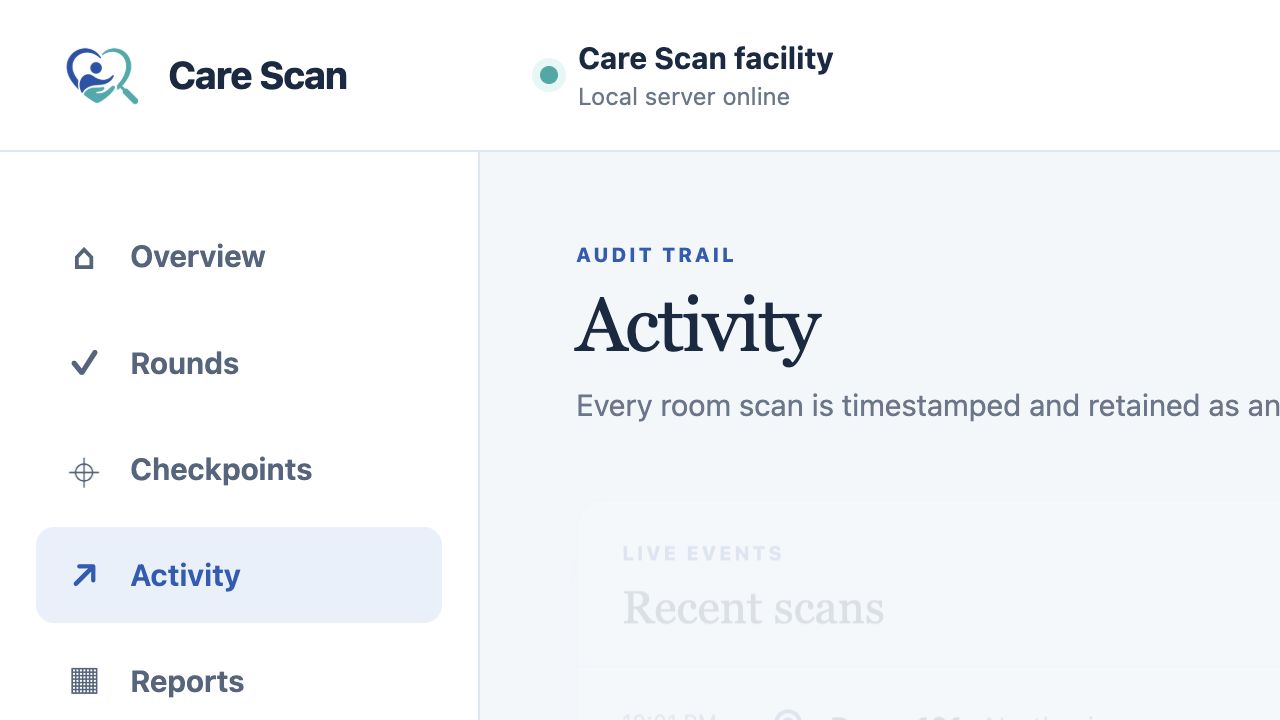
The local portal separates completed, late, missed, skipped, cancelled, exception, conflicted, and synchronization-uncertain states. Leaders can investigate the underlying timeline without turning a checkpoint tap into a claim about care quality.
Compliance documentation
CareScan helps authorized leaders review whether expected checkpoints were recorded, identify late or missing activity, and retain attributable follow-up. Searchable history and exports make relevant records easier to assemble for internal audits, surveys, or investigations.
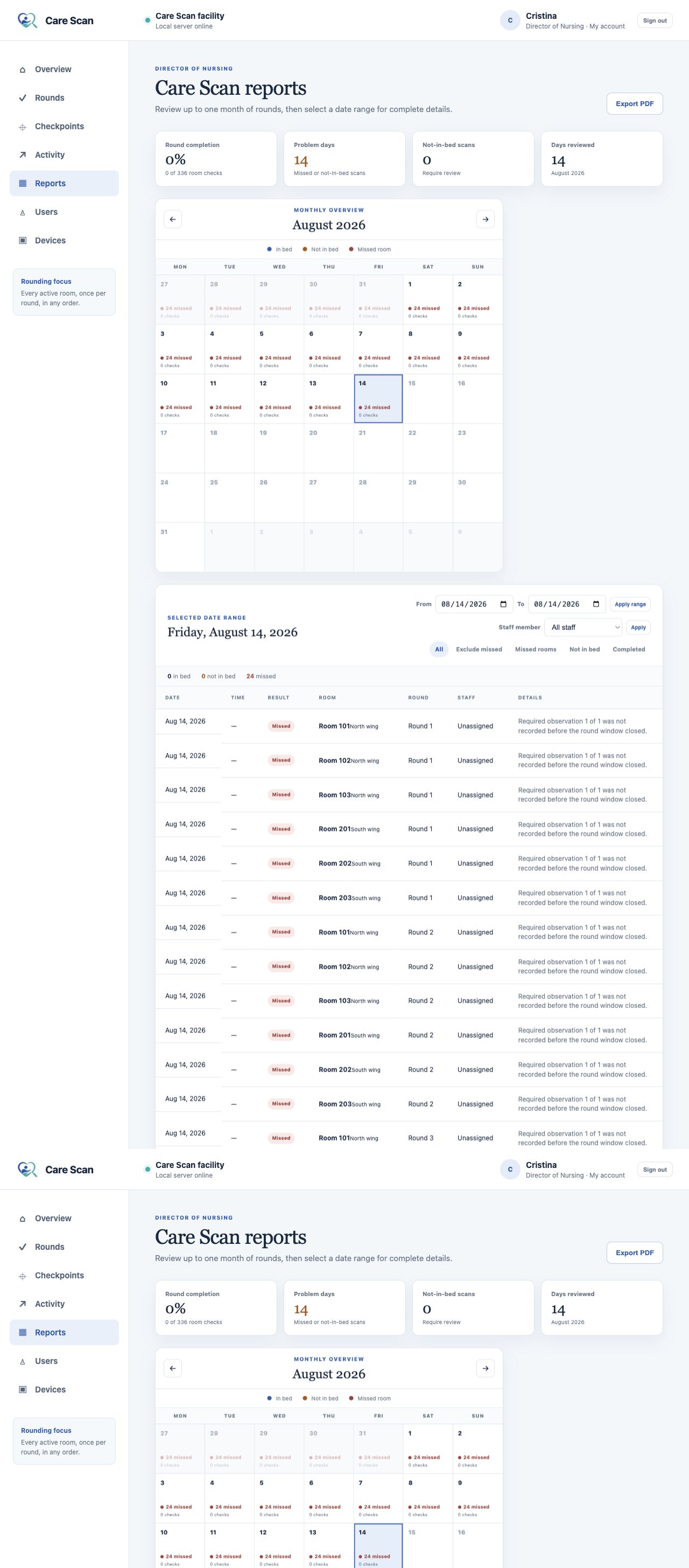
Reporting and documentation
Customer documentation
Use these customer-facing guides to get started with the dedicated Android scanner, facility administration, and local deployment planning.
Staff workflow, scanning, round records, exceptions, and sync status.
Download the end-user guide →Facility setup, users, checkpoints, schedules, review, and reporting.
Download the administrator guide →Security, local hosting, network, backup, and operational considerations.
Download the IT overview →Responsible by design
CareScan supports rounding documentation and operational awareness. It does not prevent incidents, guarantee resident safety or outcomes, guarantee regulatory compliance, or prove the quality of care delivered. It does not diagnose, prescribe, predict resident risk, dispatch emergency services, or replace professional judgment, direct communication, established emergency procedures, nurse-call systems, or electronic health records.
A practical starting point
We’ll discuss your current process, where visibility breaks down, and what a useful evaluation should demonstrate.
Request a Demo